


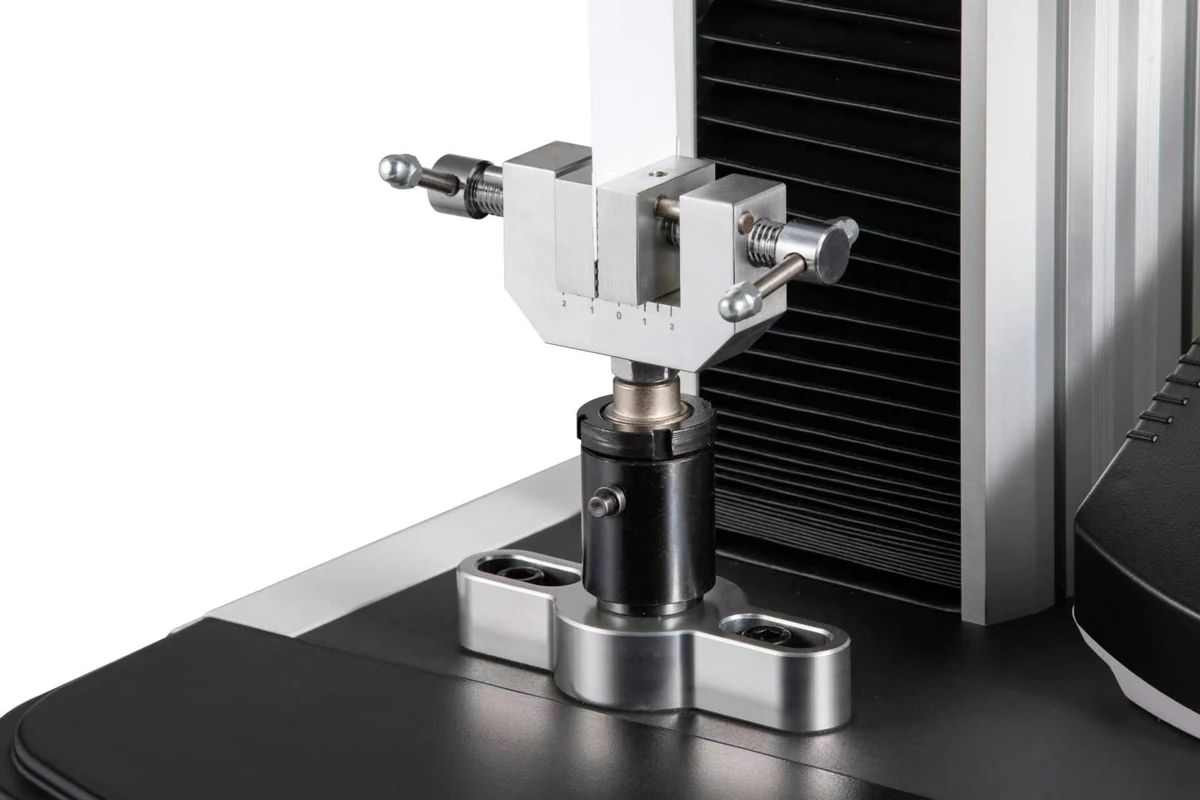
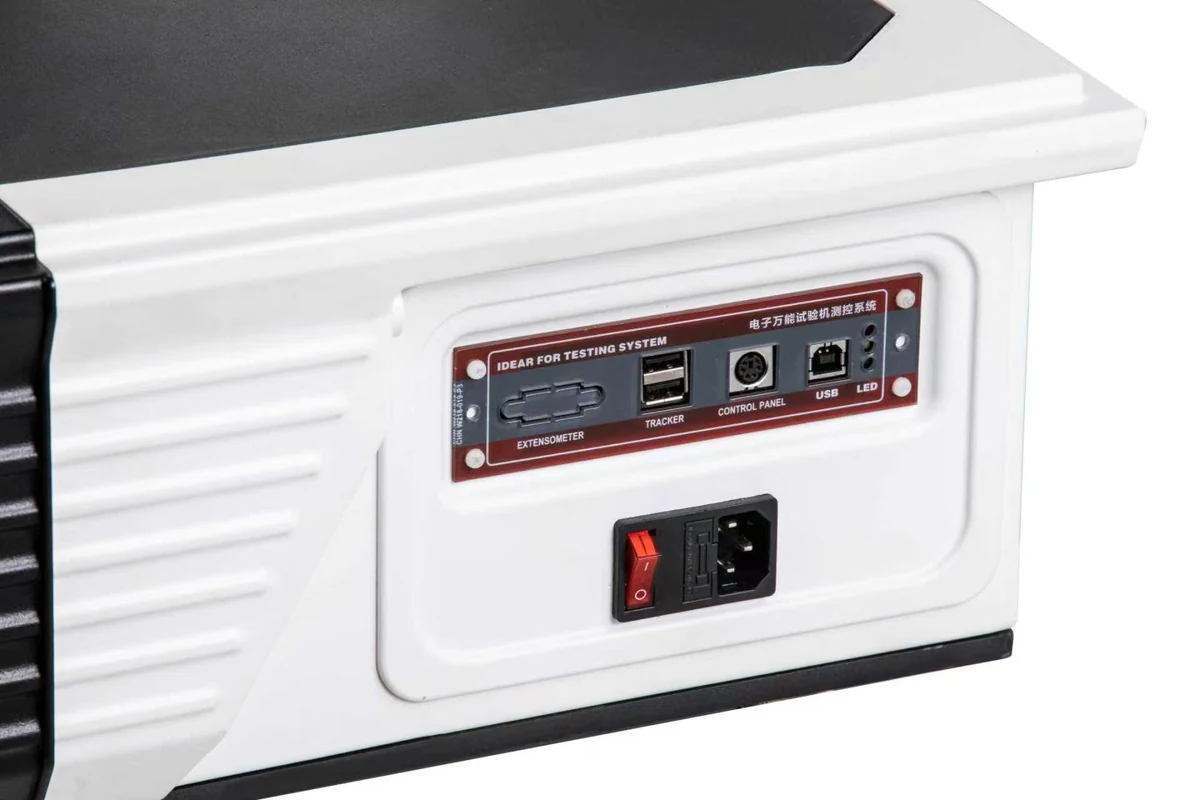
PC-operated configuration
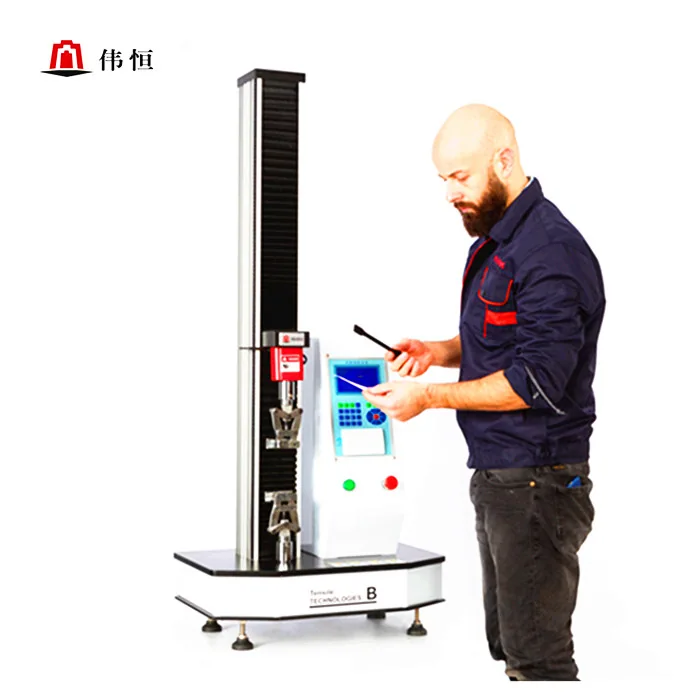
The photographs show the WH-70 series frame with a PC alongside the test space. In the illustrated setup, the upper and lower grips hold the ends of a strip specimen.
What to include in your enquiry
Give the material, specimen width and thickness, the expected peak force and its unit, and the test method and revision. State whether your method calls for extension measured on the specimen. We will confirm the frame rating, fitted load cell, usable range and included accessories on the quotation.
WH-70 product guide and original documents
Send the material, width, thickness and initial grip separation. For elongation measurements, include the gauge length and any extensometer requirements. State the expected peak force with units (N or kN) and the test method and revision. Specify PC or stand-alone controls and whether you need printed results or data export.
Download the WH-70 product guide (English and Chinese, 2-page PDF)
Electronic tensile testing machine · Design patent certificate
CN 305649285 S · 20 March 2020
The certificate names Pei Juanjuan (裴娟娟) as holder at grant. It records the shape of the machine. It lists no commercial model, force range or accuracy rating.
Motorized tensile tester digital display system V1.0 · Application receipt
Receipt 2022R11S1543077 · 9 November 2022
The Copyright Protection Center of China accepted Weiheng’s software copyright registration application for processing. Ask for the supplied software version, functions and controller compatibility in your quotation.
Download original software application receipt (Chinese PDF, 1 page)
A closer look at the WH-70 frame
The first set shows the PC configuration and the position of a strip specimen. The expandable sets show base details and alternative single-column operating arrangements. Specify which controller and accessories you want included.
Frame and specimen position


Base and connections




Touch controls and printed records

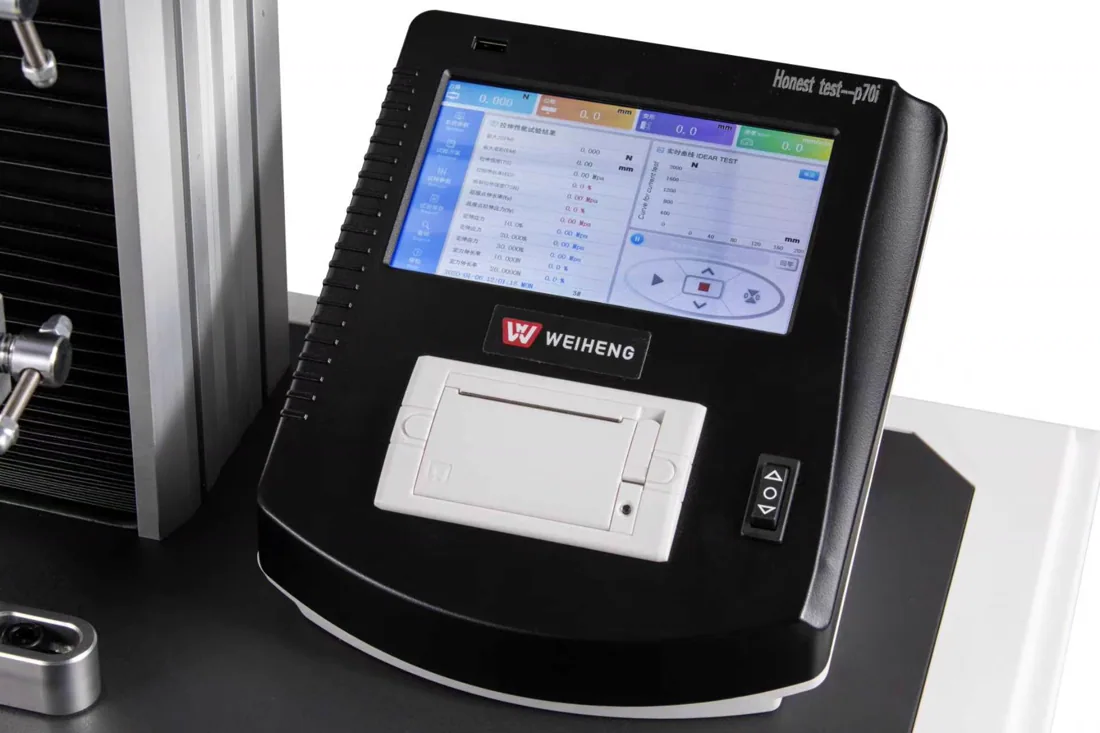
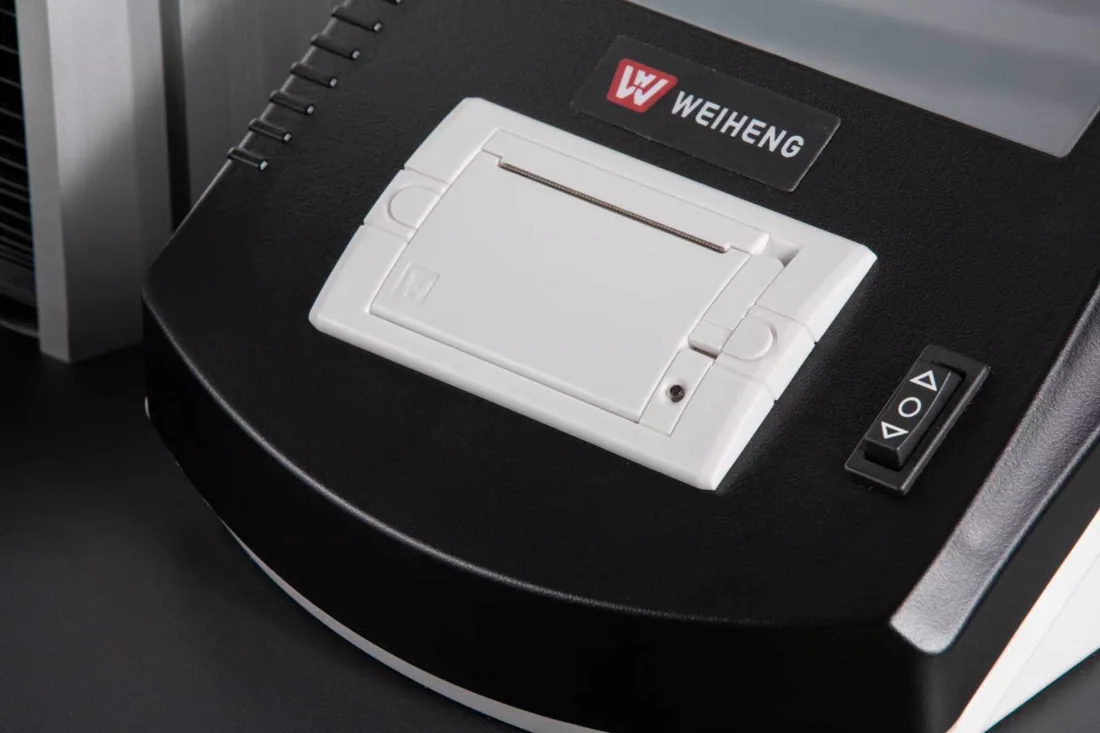

Other single-column configurations




What to send for a quotation
Include specimen width and thickness, grip-to-grip distance, expected peak force with units, and the test method and revision. If extension must be measured on the specimen, give the gauge length.
Test method selection · Company patent grant records
Watch the frame configuration overview
A 21-second silent excerpt from the Weiheng equipment catalogue. It starts with benchtop and single-column configurations. Twin-column frames appear at about 6 seconds and PC workstations at about 15 seconds. Open the video file